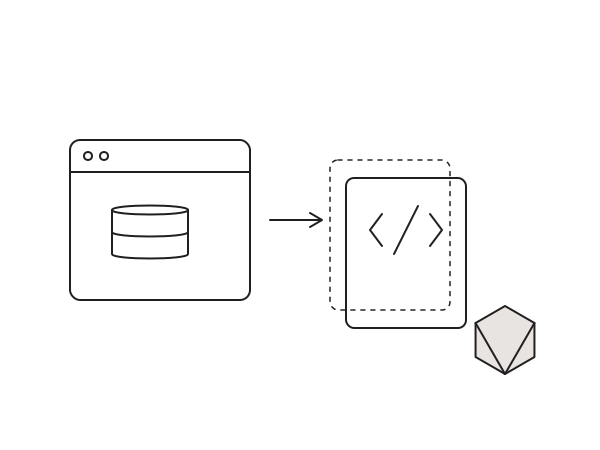
A brochure site, a portfolio, a landing page: none of them need PHP running on every request or a database query to render a page that changes once a month. Yet a standard WordPress install does exactly that, and every request is a chance for something to be slow, break, or get attacked. For a large share of the sites I build, I strip all of that away and serve plain static files. My own site runs this way, and so do several client sites.
Why static
- Speed. Pre-built HTML served from a CDN edge is about as fast as the web gets. No PHP, no database round trip, no cache plugin to babysit.
- Security. There is no
wp-login.php, no live database, and no plugin code executing in public. The most common WordPress attack surface simply is not there. If someone probes your site, all they get is flat files. - Cost. Static hosting on Cloudflare Pages or GitHub Pages is effectively free, and there is no PHP host to keep patched. Maintenance drops to almost nothing.
My workflow
I build in WordPress and Elementor exactly as normal, locally or on a staging server where all the usual dynamic tooling is available. When the site is ready I export it to static HTML, CSS, JS and images, then deploy that bundle to Cloudflare Pages or push it to a GitHub repo that Pages builds from. The public site is static; the WordPress install stays private, used only as the editor.
The tools
For the export step I keep a fork of WP2Static. It is the plugin I reach for when a site needs full control over the crawl and the deployment. Full credit to Leon Stafford, who created and maintained WP2Static for years; the project is now under Strattic. You can install the upstream plugin from source with Composer:
git clone https://github.com/wp2static/wp2static.git
composer install
On simpler projects I reach for Simply Static instead. It has fewer moving parts, exports to a ZIP or a folder, and is the fastest way to get a small site onto static hosting without much configuration. I use both, depending on how much control a project needs.
Editing a static site: Orbit
The obvious objection to static is, how does the client edit it? My answer is Orbit, a lightweight CMS layer I built for exactly this. Clients edit content through Orbit, and the changes flow back out to the static build and redeploy, so nobody has to touch WordPress or Git. You can read more about it on the Orbit page.
Still the right call in 2026
Static site generation has only gotten stronger. Edge networks are cheaper and wider, and the security maths has not changed: code that is not running cannot be exploited. For any site that does not genuinely need per-request logic, static is my default, and it is where I steer clients whose main goals are speed, safety and low running costs.
My WP2Static fork lives on GitHub: djaysan/wp2static, forked from the upstream project. If you are weighing whether your WordPress site could run static, get in touch and I will tell you honestly whether it fits.